Back up a trip before the suitcase comes home
Make portable copies of important trip files without relying on one bag or one internet connection.
Decide what you could still do if the phone disappeared
Before packing, write down the files that support the trip. A booking confirmation, a map, a contact number and a ticket may belong in an essential group. Original pictures and any files made for work form another group. Think through a few possible losses. If the primary phone disappears, can you still check in, connect to the account that stores your ticket and reach another traveler? If a camera card stops reading, how much of the work can you repeat? A photograph of something you cannot revisit may deserve a new copy that evening. A captured screenshot of a menu may have little value when the trip ends.
Check how the provider expects you to present each travel document. A conventional PDF or printed copy can sometimes work. A ticket with a live token or rotating code may need its official app and supported offline procedure. Use the provider's current instructions for anything needed at a gate or checkpoint. If a companion is allowed to hold a copy of a document or access the shared booking, decide what is suitable for them to keep. Some records contain more identifying data than the trip requires. Plan copies around the files you actually need and the people legitimately able to use them.
Give essential files a destination you can reach independently
If a phone holds the working copy, put the crucial items somewhere you can reach without that phone. An authorized companion might carry a printed itinerary. An encrypted, separately accessible location can hold compatible documents where appropriate. A working backup depends on an account sign-in you can complete after a loss. Check that the recovery route does not rely entirely on a code sent to the device you are imagining losing. Use the provider's supported recovery choices and protect the details away from the phone. If an essential document must be available without a network, rehearse opening it with the device's connection switched off.
Use harmless examples for the rehearsal. Open the location where you stored a test file and verify what you would do on an unfamiliar device. A cloud account might be appropriate for some material and inaccessible in a particular room. A copy carried offline can be reachable now but vulnerable to misplacement if stored without protection. Choose an arrangement that suits the content, people and situations involved. Know how you would have to unlock it and where to ask for help. A recovery note can list the relevant account and instructions without putting passwords or recovery secrets in the same pocket as the device.
Copy original media into a second place during the trip
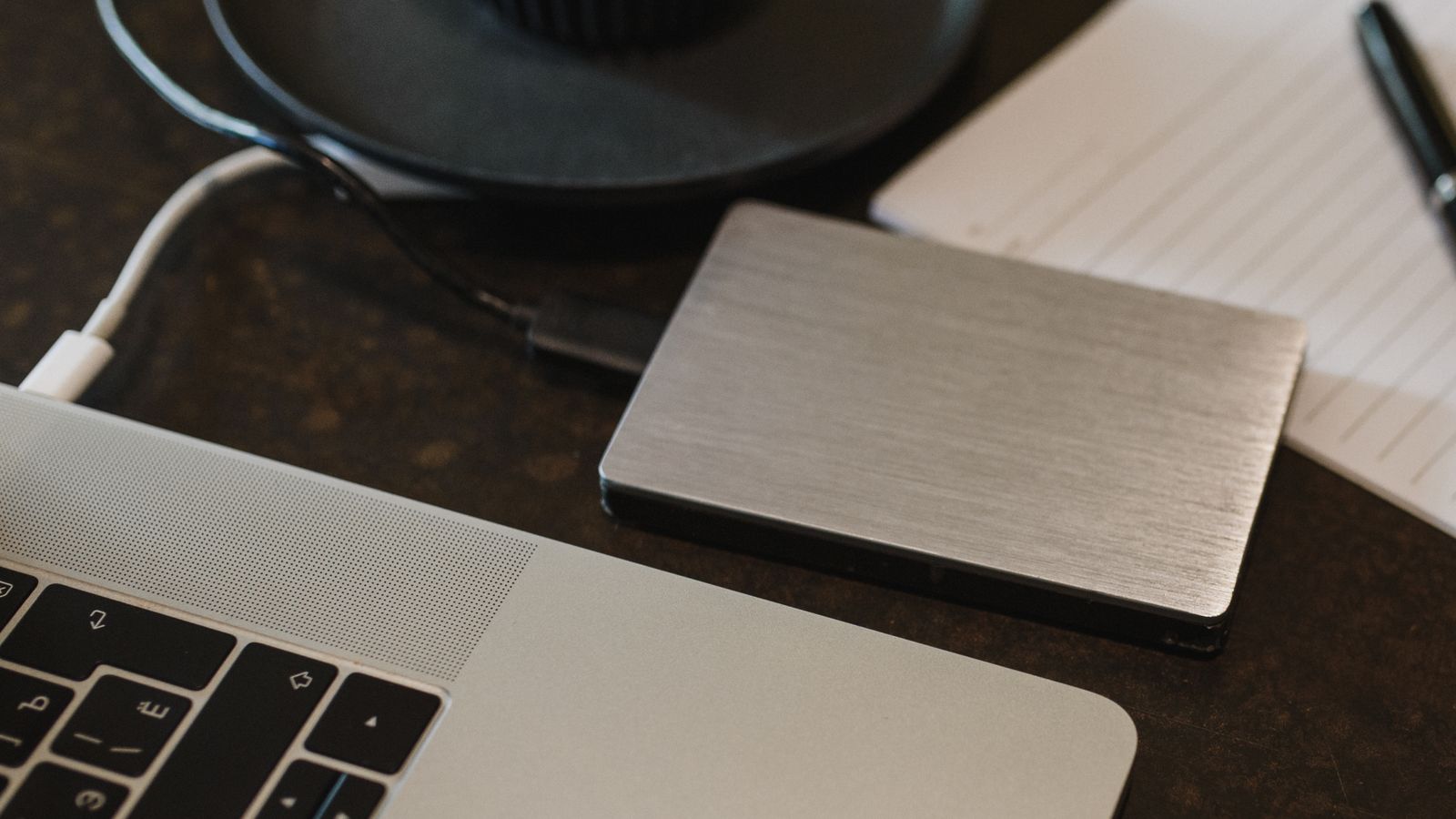
After a day with photos or footage you need to keep, choose a secure place to copy them. A laptop with space, a portable drive with a compatible reader, or a supported cloud destination can serve different travel plans. Confirm how to obtain the original full-resolution file from each camera or phone. On a phone, a library can display smaller cached versions of originals held somewhere else. On a camera, one logical recording might include more than one file or folder. Follow the device or editing tool's documented ingest process if the format needs related parts to open together.
Give each batch a plain date or location name and preserve its contents until you have checked the result. Open several files from the destination itself. Pick a recent image, a file from earlier in the day and a video long enough to see that the destination can play through an important segment. Look at the number of files and the total size if the copy tool reports them. If you used an editing app to export selected pictures, compare the output with the role you gave the backup. A low-resolution edited image can be a useful share copy, while the original remains important for detailed editing. Keep the source card or phone copy until the duplicated files meet the purpose you intended.
Think about where both copies will be during a loss
Putting a phone and a portable drive in one bag can give you another storage device and expose both to the same incident. Consider how you will carry the primary device and where the second copy can sit securely. A camera card may stay with its owner while another authorized person carries the drive. Another option is sending a copy through a trusted service when the connection permits it. Check privacy or work requirements before passing material to another person or service. The additional copy should be accessible to the person who needs it and appropriately protected if the spare bag is lost.
A room, bus or common charging point can bring devices together for a while. Keep that in mind when copying. If the only available independent storage for one evening is nearby, finish verifying it and decide when it can be separated again. For a multi-day trip, check the age of the newest independent copy after each productive day. A cloud backup from before departure may be useful for account recovery and leave out every new photograph. A dated note on the copy destination helps you remember what is covered. Save essential travel files and creative work according to how much change you can stand to lose.
Plan for a connection that can fail halfway through a copy
Try a small upload to a destination you trust before sending a large folder. Note the rate the application sustains and whether it says it can resume a stopped transfer. Internet speed can vary sharply between the room, lobby and train. A 20-gigabyte video collection at a steady 5 megabits per second takes roughly nine hours even before additional overhead. That calculation gives you a useful early warning that an overnight upload can run into the time you need to leave. A set of small essential files can finish first. Give large originals another portable copy where feasible and choose a better connection when available.
Before leaving a device transferring, check its power, settings and storage. A device can stop uploading when it sleeps or a network asks you to sign in again. Keep it secure and use a connection and destination you have reason to trust. For work files, follow the access and transfer instructions you are responsible for. After a transfer, open the completed backup view and verify several files. A progress indicator that reached the end proves less than seeing the expected content available on the other side. If an app automatically removes a local copy after it uploads, understand that setting before letting it act on important media. Separate the copy and cleanup decisions until you have verified the result.
Protect the files you genuinely need to carry
Review which documents and photos need to travel with you. A device that contains a full archive can give someone more private material to recover if it is lost. Keep sensitive information in the minimum suitable form for the trip. Use appropriate device or storage encryption for important records, following your device's documented procedure. Try opening a harmless copy from a second authorized machine if you expect to use the backup that way. A drive encrypted for one platform may need compatible tools on another. Keep the recovery information secure and separate from the encrypted device. Check that a legitimate user can use it before leaving home.
An encrypted portable drive can still be misplaced, and an encrypted account can still be unreachable when the second factor is on the missing phone. A second copy and a separate recovery route solve different parts of the problem. Check both without entering a genuine emergency or locking your usual account. For a shared trip, agree who will hold a copy of each common file and who can use it. Revoke or remove temporary sharing when you no longer need it in accordance with the material's retention requirements. A trip's backup is useful while it protects the information and can still reach the device where the authorized person will open it.
Bring the copies back into the main collection
At home, move the verified trip files into the place where you keep their authoritative versions. Compare the camera, phone, portable and cloud copies by date and content. If you edited some pictures during the trip, preserve the outputs or adjustment records you intend to keep. Watch for same-name files from different cameras. A folder that keeps dates or device names can help prevent one image from overwriting another. If a copy paused halfway through, compare the source folder against the final collection and restore the missing pieces from a verified device. Open several originals, including a large video or a project that relies on linked assets.
Let the normal independent backup run and confirm that it captured the new files. Keep the portable copies until you can reopen some of those files from the main library and verify the independent backup. Note which temporary sharing and storage locations will be cleared after that verification. For the next trip, keep a short list of the items you actually consulted and the copy methods that completed on time. A useful travel routine leaves you with working documents during the journey and the original material in a recoverable home collection afterward.
A late-arriving transfer can affect this reconciliation. If a phone resumes uploading when it reconnects at home, wait for it to finish before comparing its cloud collection with the portable folder. Mark the last verified date in each destination. When you find a difference, open the matching source and compare capture time, resolution and edits. Keeping a dated import folder until the normal backup finishes gives you a safe place to resolve those differences.