Choose a quieter keyboard by listening to release
Find the sources of typing noise and choose a better feel for a shared room.
Listen to the whole sentence from the next seat
Try typing “Please send the revised figures before Friday.” Use your normal shift key, correct an error with Backspace, and press Enter at the end. Have somebody listen from the nearest chair where another person works. A mechanical keyboard can have a pleasant, consistent sound in the letter row and still make a sharp knock with the space bar. A low-profile keyboard can sound quiet up close while sending a distinct tap across an empty desk. The listener's position matters because the sound travels through air and, on some setups, along a shared work surface.
Start with the gear you already have. Read the sentence once, then type it at normal speed. Save a short comparison clip if the other seat will be empty. Keep the recorder at about the same height as a person's head and leave it in one place. A phone held a few inches above the keyboard is good for diagnosing a loose part. At that distance it gives a very different impression of which sounds cross the room. Save the test sentence so you can use it again in a shop, after moving the desk, or during a return window. If you notice just one loud punctuation mark, check which key or combination creates it.
Separate the initial press from the return
A key makes several motions. Your finger pushes it down, the switch actuates, and further travel can bring the stem or key assembly to the end of its stroke. When you lift your finger, a spring or another return mechanism moves it back up. On many keyboards, the return can be easier for the next person to hear than the downstroke. Test a letter with a slow press and an ordinary, quick release. Then press the same key normally and guide it up with your fingertip. The contrast can make it easier to hear where the sharper sound occurs.
Many mechanical switches are sold as linear, tactile or clicky. These terms describe aspects of travel or feedback, and a switch's sound also depends on its construction and the keyboard it sits in. A linear switch can give a sharp bottom-out with a firm stroke. A tactile switch can provide a noticeable bump you feel in the middle of travel. A click mechanism produces a deliberately audible event. Some switches include damping at the bottom, at the return, or at both ends. Check which event the design addresses. A quiet switch in a resonant case can still make the space bar noticeable, and a quieter case can still produce a bright sound if the switches click.
Compare the space bar with the rest of the board
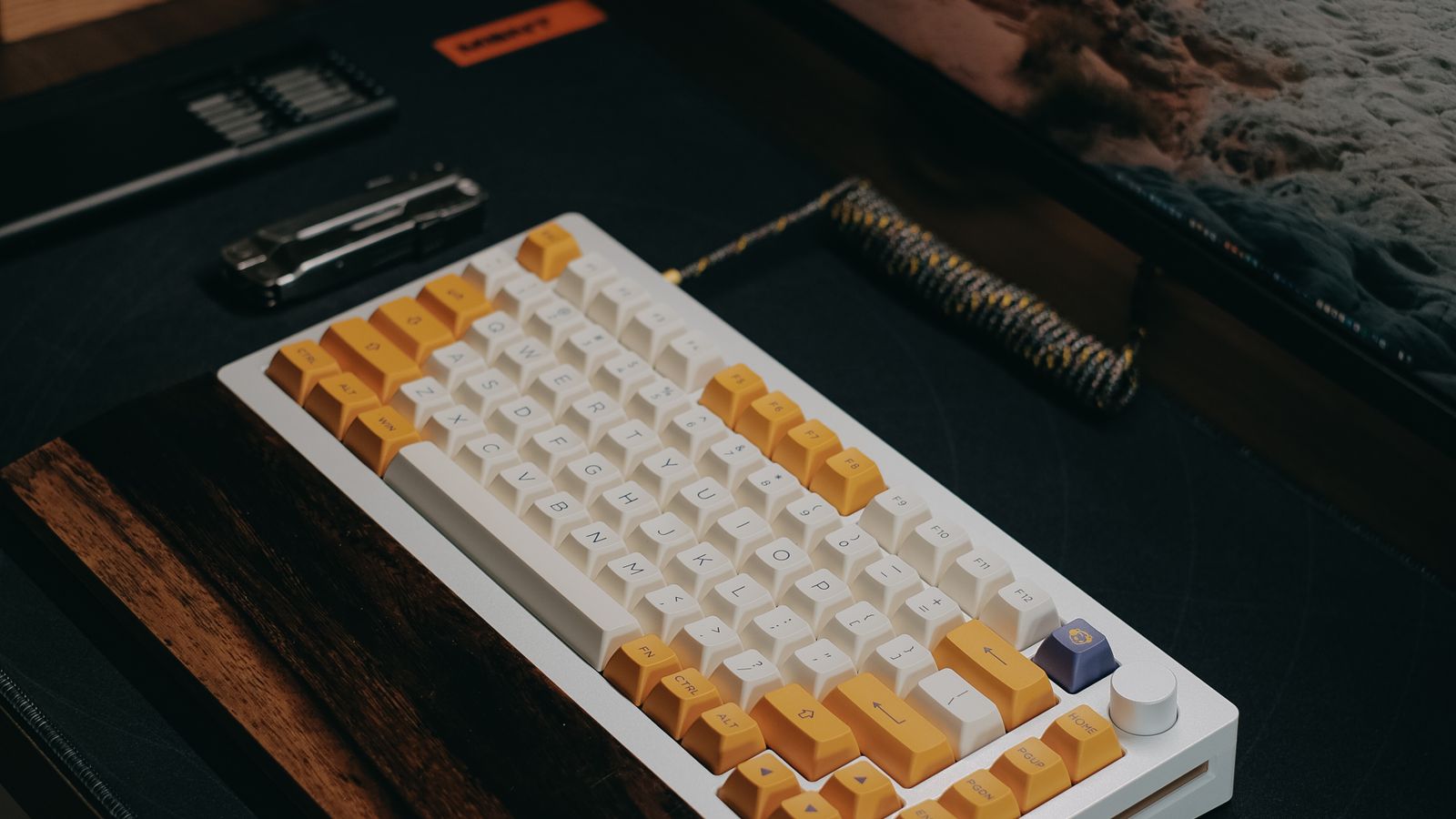
Listen to Space, Enter, Backspace and the Shift key you reach for most. Wide keys on many mechanical boards use stabilizers so a press away from the middle still travels evenly. The keycap, the stabilized assembly, and the point where your finger lands all contribute to what you hear. Press the space bar with a thumb near its center and again near the edge you use. There can be a hollow knock, a small rattle, or both. A consistent clack all across the board points toward another cause, such as force at the end of the keystroke.
Consider an evening work setup that shares a room with someone reading. The typist tries a board with soft, subdued letter keys and types a paragraph. The reader can easily identify the rhythm of the spaces, while the letters blend into the room. A second keyboard with slightly more audible letters and a controlled space bar may be easier to ignore. Ask about the specific difference immediately after typing. “Which key pulled your attention?” gets a more useful answer than asking whether the board sounded expensive. On an existing keyboard, consult the maker's instructions before removing a stabilized cap or attempting a modification. A candidate board with a bothersome large key is often easy to identify with the sentence test before any work is needed.
Give the desk a second chance
A hard desktop can amplify an impact from the feet of a keyboard and transmit vibration to another object on the same surface. Try a full, flat desk mat beneath the board and keep the recorder in place. Make sure all the feet rest on the mat. If the keyboard feels unstable, use a firmer pad or start with the removable feet folded down. Type the same two lines, then tap or rest your wrist as you normally do. Notice whether the change affects the low thud of the case or the brighter sound from each key. A mat can also move the pitch of a short impact, which may be enough to make it less distracting.
Check objects touching the keyboard. A metal cable clip against the case or a pen tucked underneath a wrist rest can rattle when a person types. Move each object clear, then repeat the passage. If someone shares the desk itself, try listening with a hand resting near their usual spot. They may feel a repetitive vibration and describe it as louder than it appears in the recording. Moving the keyboard slightly away from an unsupported part of the desk can change this. A shared table with a hollow tray may produce more noise at one end. Test the simplest positioning change before spending money on new hardware.
Use a passage you can type without thinking
Switch testers and individual key presses are a useful way to feel resistance. One or two slow strokes offer little evidence about typing noise under pressure. Use a line that includes a couple of capitals, a change of hand, a deliberate correction and a pause. Read it once, then type it while you look at the screen. In the second pass, pay attention to how far the keys need to travel for the text to appear. A lighter stroke may be enough to register each press. An unfamiliar switch can feel better after a few minutes, and it can also make a typist hit the bottom harder until they adjust.
For a useful comparison between boards, use the same pace and hold the same working position. Reposition a board that would otherwise sit uncomfortably close or too far back. Let your hands hover naturally or rest in the usual places. Check whether you can type the correction without pressing several nearby keys or striking the board with a knuckle. If the quieter option requires more concentration to type accurately, try another passage after a short break. Listen to how that board sounds after your attention shifts to the words. A product that stays comfortable and subdued at ordinary speed has passed a test a display sample rarely gets.
Put a meeting through the same listening test
A microphone can pick up a keyboard that the person at the next desk barely notices. Position the microphone as you use it on calls. Read one sentence with your hands still, then read another while typing at ordinary speed. Try the app's preview, recording feature where appropriate or a test call with someone's knowledge. Leave the application's usual audio processing on for that comparison. The setting that makes a room sound quiet between sentences can still allow transients through while a voice is present. If your colleague usually hears the first half of your sentence clearly and loses the rest when you type a note, check where the microphone points.
In a small office, a desktop microphone near the keyboard can make the desk sound conspicuous on calls. A stand placed beside the typing area or a headset boom can give your voice more presence relative to the keys. Compare clips while typing the same lines and speaking at the same volume. If you only type for a few seconds during the call, an app's push-to-talk or mute control can also be useful, provided you can operate it easily and reliably. Some people need to take notes while asking questions. Keep that workflow present when testing how much farther a new keyboard has to go.
Keep the layout changes in the calculation
A narrow keyboard may make space for the mouse and leave room for a microphone at the side. Measure the desk with the mouse in its normal place. Position a sheet of paper about the size of the candidate keyboard and simulate reaching for the key groups you use. A person who enters numbers all afternoon may want a numeric keypad. A person who mostly writes text may be happy with separated arrow keys and a smaller footprint. Editors and developers can depend on adjacent function keys, dedicated navigation keys or a particular placement of Delete. Compare the actual physical layout with the shortcuts you press while looking at a screen.
Treat a compact board's key layers as an everyday interface. Test holding its function key and pressing the keys you use to move across a page or adjust audio. If the layer needs frequent two-handed combinations, measure whether the saved mouse space offsets the change to your workflow. Also test the choice with its cable attached. The cable route can steal space on a shallow desk, and a wireless setup may need a receiver at a particular location to behave reliably. A narrow board that still lets you find arrows, change volume and correct text comfortably can make the whole setup easier to use.
Judge success after a busy work period
Keep the version of the setup that makes the fewest interruptions during your normal session. A better outcome might come from a mat and a steadier typing position, or from a board with controlled return and quieter wide keys. Sit in the next chair and listen again if you share a room. Ask the actual call listener if speech remains understandable when you write. Keep a sample of the previous sound only if it helps you compare changes. For a shopping decision, also check the returns process, USB or wireless connections and compatibility with any setup you have to move between.
After a few days of ordinary use, identify the remaining sound by name. A single metallic tick may be easy to trace to a key or object on the desk. A recurring thud at the end of long strokes can respond to a change in technique or travel. A sharp snap during release may need a switch that damps that specific movement. A list of switch colors or a short recording from a shop cannot reveal the shape of your room, the desk and the way your fingers move. Your test sentence can show how all three affect the people who hear you work.