Make an e-reader comfortable after dark
Set up an e-reader for evening chapters, useful text size and dependable offline access.
Choose the settings with a real chapter in front of you
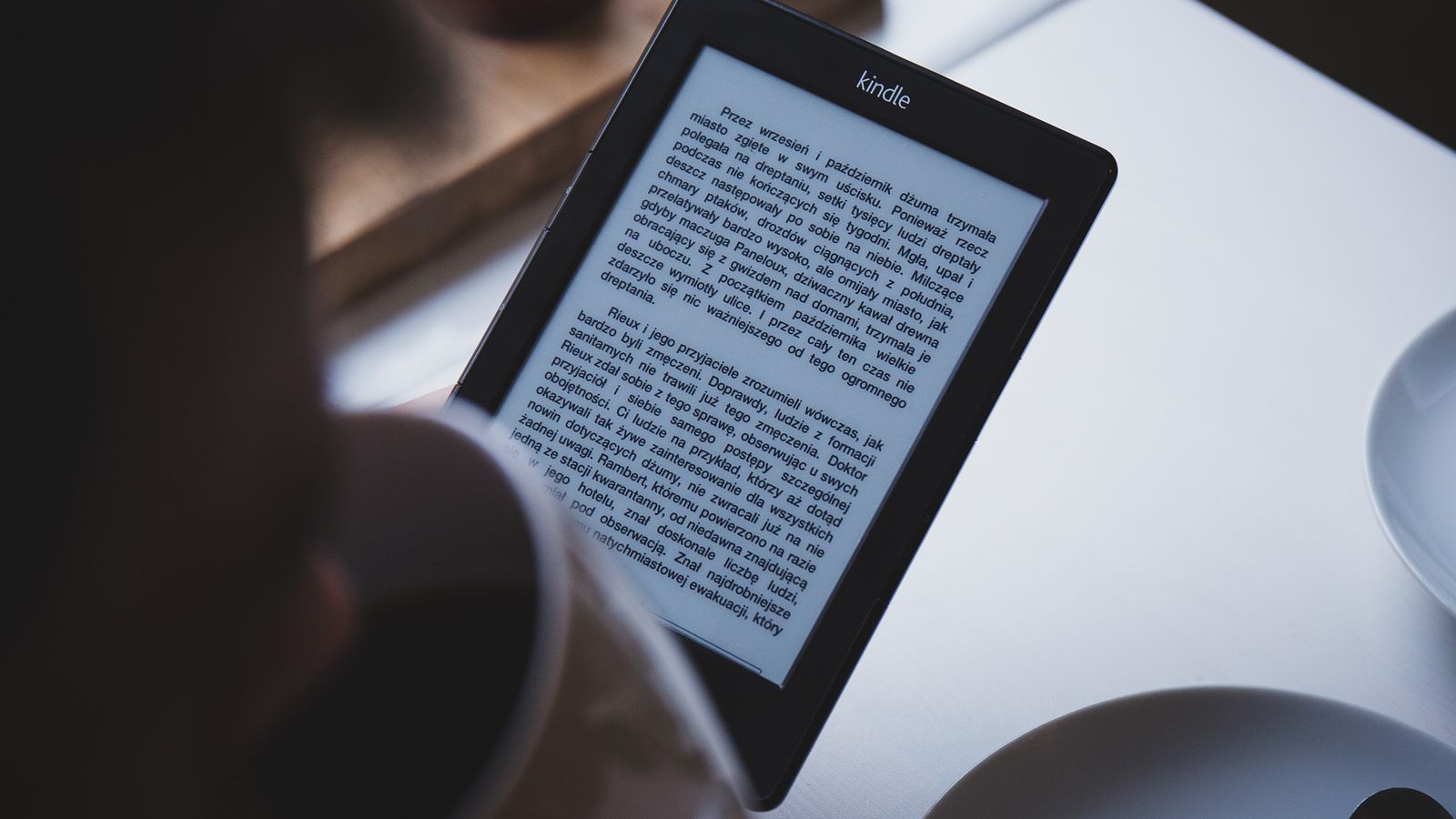
Open something you intend to read tonight. A chapter with dialogue, a few long paragraphs and a section heading lets you check several parts of the layout at once. Display settings may feel good while the menu is open and show their limits in a book. A slight change in type size can make a large difference to a short line of dialogue. A long paragraph can become better separated into lines, or it can spill across more screens than you like. Try the new size for a complete spread or several consecutive screenfuls before opening the settings again.
Hold the e-reader at the distance and angle you use in bed, on a sofa or in a chair. Read a page under those conditions and notice where the line break falls when a sentence is long. If you frequently lose the start of the next line, try slightly wider line spacing, a narrower measure from larger side margins, or a larger type size. Make one change at a time. If you turn pages more often than you want, reduce margins a little before shrinking the type. On readers that offer a choice of font, compare how lowercase letters and italics look in a real paragraph. A face that looks handsome on a book cover can be harder to distinguish at small size and low light.
Balance the screen light with the room
Many dedicated e-readers use a front light to illuminate the display, and some offer a separate adjustment for the warmth of that light. Start in the room where you want to read. Wait until the ordinary room lighting feels familiar, then lower the reader's brightness from its daytime level. Find a low setting at which letters remain clear over several screens. If you have to tilt the screen repeatedly or move it closer to make out small type, adjust brightness or type size before settling down. A small lamp can also be useful when the room is dark and you need enough light to find the device or read a physical book beside it.
Where you have a color setting, compare warmer and neutral light at similar perceived brightness. A very warm screen can be pleasant for one book and make small gray diagrams less easy to distinguish in another. If the device offers an automatic schedule, check the transition at the time it would actually occur. A cool screen in the afternoon and a dimmer amber screen at night may suit a routine. Some models have brightness adjustments without a warmth setting. The room lamp's location still affects readability. Turn the reader slightly to see whether a reflected lamp is crossing a section of the page. Move the lamp or change the angle before making the front light brighter to compensate.
Check how far a thumb has to move to turn a page
An e-reader often feels different after the hand holding it has been still for half an hour. Put it in the case you normally use and try a few pages with one hand, then switch hands. If the reader has buttons, check how naturally a thumb reaches them while you hold its weight. In a touch gesture system, find the page-turn areas and make sure a light touch near that edge works. Many readers let you change orientation or adjust tap behavior. Where those settings exist, test them with an actual reading grip. A larger margin can give you a place to steady the device while presenting fewer letters across a line.
A case that adds a comfortable grip for travel can feel bulky when you hold it overhead or against a cushion. Try resting one corner on a folded cloth to see whether the case can stand by itself. Keep the reader from sliding, especially if you use it with a stand near the edge of furniture. If the device sleeps when a magnetic cover closes, check what happens when you fold the cover behind it. Test the way you open it again after a short break. An evening reading setup is easier to return to when the display wakes, the grip is stable and the next-page control is easy to find without looking away from the story.
Test footnotes and fixed pages before adopting a format
Open an endnote or footnote in a book you have on the device. Some reflowable books show a small panel, while others lead to a separate section with a way to return. Watch whether the return goes to the same paragraph or the top of a page. Try searching an unusual phrase in the chapter and visiting the table of contents. A book you read in order may be comfortable even with an awkward table of contents. A book you constantly consult, like a collection of essays or study text, benefits from navigation that gets you back to the exact section quickly.
A typical reflowable e-book lets lines recompute when you change the font, point size, margins or orientation. Fixed-layout documents such as many PDFs preserve the original page geometry, so zooming can require panning across columns. Some reading software offers more viewing options, and scanned pages often behave differently from text files. For a two-column PDF, begin at a normal full-page view. Then zoom until a paragraph is comfortable and follow it across a few lines. Try the next page, including a diagram or a footnote. A small reader may handle a single-column essay very well and require more attention on dense technical pages. If a properly licensed reflowable version suits the reading you do, compare it before committing to several evenings of panning.
Download the next book before the connection disappears
Find the book in your library and confirm that it is stored on the e-reader. A thumbnail can appear in an account library while the full file still needs to be downloaded. Choose the device's download option, let it finish, then open the book. Turn on airplane mode or disable the network from the reader's settings. Return to the library, reopen the same title, and turn past the first screen. If you plan to finish the current chapter and begin another book, repeat the test for both titles. Check the battery charge at the same time if you will be away from a charging cable.
Library loans and files transferred from another device deserve their own check. A downloaded loan may still depend on an active borrowing period, supported format and any authorization required by the service. Check its due date and make sure it works within the ordinary loan terms before you leave the network. For a transferred file, open a few pages beyond the title and inspect special characters or illustrations if they matter. An image-heavy book might need more storage than a novel. If a previously downloaded title fails to open, reconnect and confirm the account, download status and device support while the network is still available. Go offline again after the fix. The completed download and a successful offline open together answer the question you care about.
Keep a bookmark before changing how devices sync
Suppose you read a few pages on an e-reader at night, then use a phone to look up a quotation during the day. The phone can move ahead when you search. The reading system might offer to take you to that later position on your main reader after a sync. It can be helpful when you genuinely continued on the phone. A separate bookmark protects your place when you opened the second device purely to check something. Set one before adjusting sync settings or reconnecting a device that has been offline longer than usual. A chapter and a short phrase near the last line you read is a useful fallback.
Page numbers can depend on the edition or display settings. When position matters, check whether both devices use the same copy and agree about its numbering. Some readers display a fixed reference location or an estimate instead of a print page. Learn where each device puts a bookmark list and check whether those bookmarks, personal notes and highlights sync in the way you expect. Kindle, for example, describes syncing reading position and annotations for compatible content across devices connected to the account. Connection and content format affect what is available. If you keep important reading notes, check the export options available for that book and device, and keep permitted personal copies where appropriate.
Change evening settings during the evening
Read a few pages after the rest of the room has settled. Check whether the font, line spacing and brightness you chose remain comfortable when you are paying attention to the book instead of the screen. A setting that looked good while sitting upright may be less comfortable leaning against a cushion. Take a short break after changing several things and resume where you stopped. If you moved to a bigger type size, see whether the interruption of more frequent page turns matters to you. For a book full of dialogue it might be easy to forget. For a page with tables, you may prefer a different orientation or format.
Prepare the next evening by opening the chapter you expect to read and saving the place. Check that any title you want next has downloaded and that the brightness control is easy to reach. Keep a charging cable accessible where you can connect it without tugging a reader off a table. If the device travels with you, repeat the offline test after adding new books. The goal is to open a page that reads clearly in your room and be able to keep reading at the point you chose, whether the rest of your devices are connected or put away.